9.2
Lo mejor del hotel:
La estadía es una experiencia mejor por el afán de la gente.
Andrea, Argentina
10
Lo mejor del hotel:
Todo impecable!!! Como en casa
Jose, Pe
9.7
Lo mejor del hotel:
Son muy atentos. Y esta todo impecable
Martin, Ar
10
Lo mejor del hotel:
Limpio, comodo, excelentes propietarios y personal.
Shannon, Canada
8.7
Lo mejor del hotel:
The staff were very pleasant, our room was nice and spacious.
Carlie Smed, Argentina
9.5
Lo mejor del hotel:
La atención del personal, lugar cálido y céntrico
Xavier, Es
10
Lo mejor del hotel:
Our stay was wonderful! The whole team was very friendly, helpful, and kind. We could not have had a better stay!
Sophia, Us
10
Lo mejor del hotel:
All of the staff were welcoming, friendly, and extremely helpful
John, Au
10
Lo mejor del hotel:
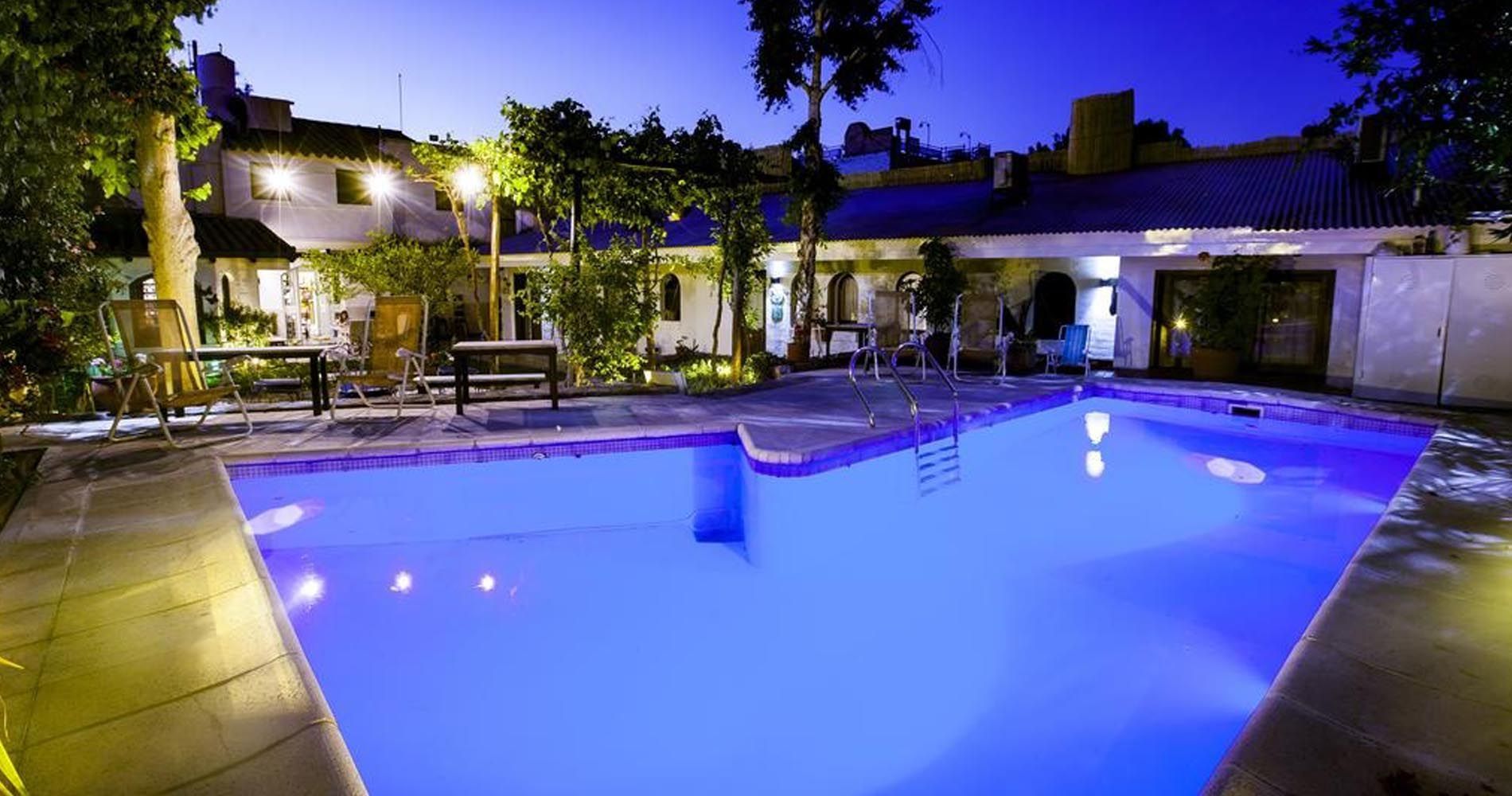
Definitivamente la atención del personal, piscina, atenciones y el sistema que tienen de desayuno son las cosas positivas que mas rescato, quedamos muy contentos con la estadía.
Alvaro, Chile
10
Lo mejor del hotel:
Muy bonita y acogedora, las habitaciones muy cómodas, los detalles con sus huéspedes, repetiría nuevamente mi estancia sin dudarlo.
Rosa Evelyen, Cl
9.7
Lo mejor del hotel:
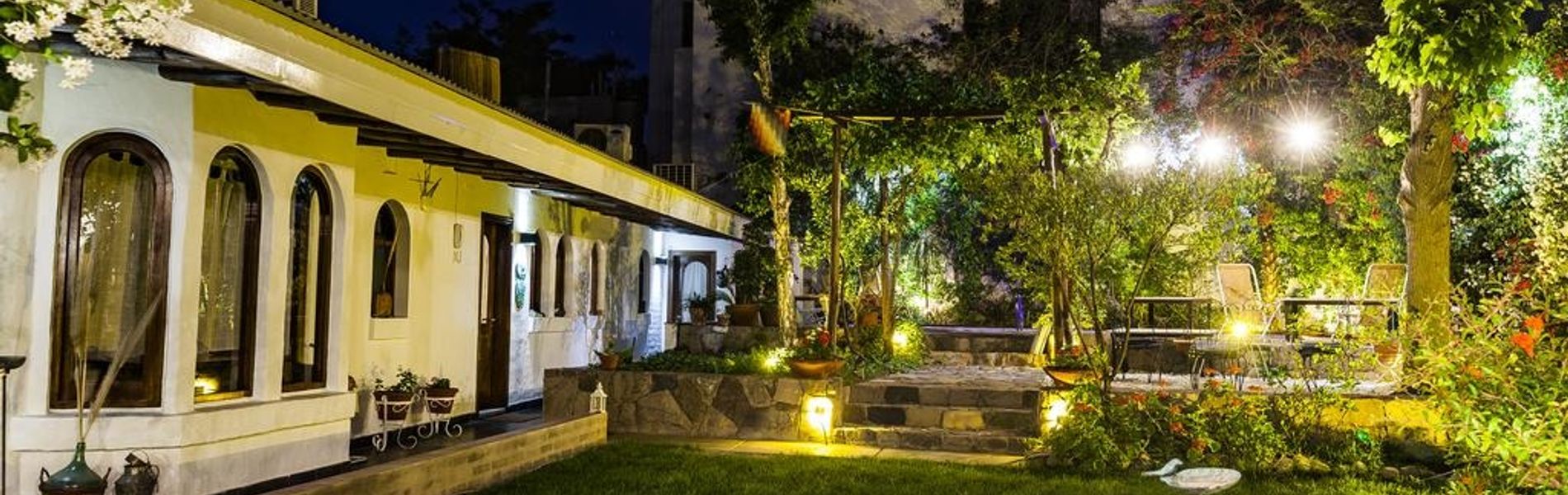
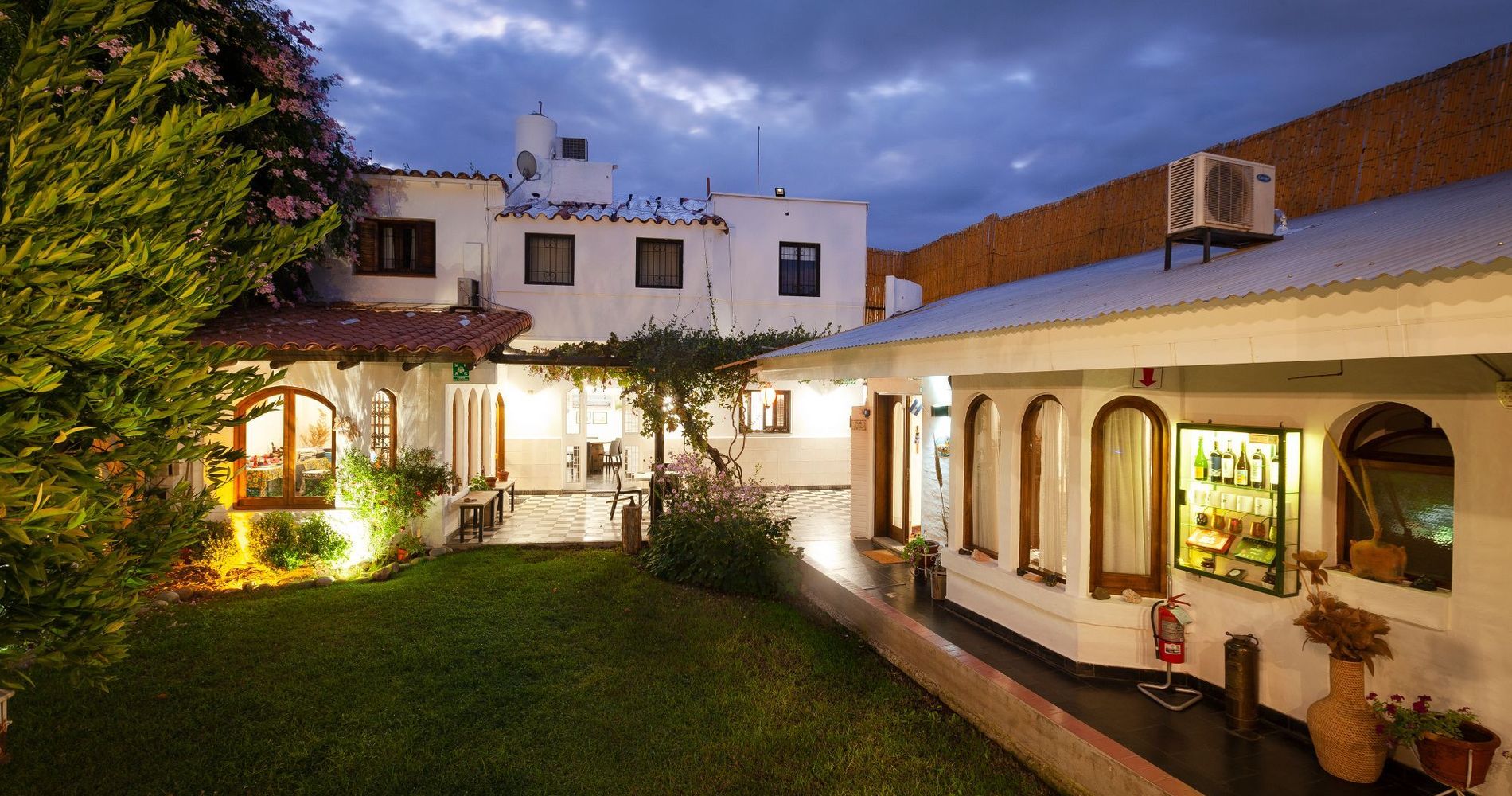
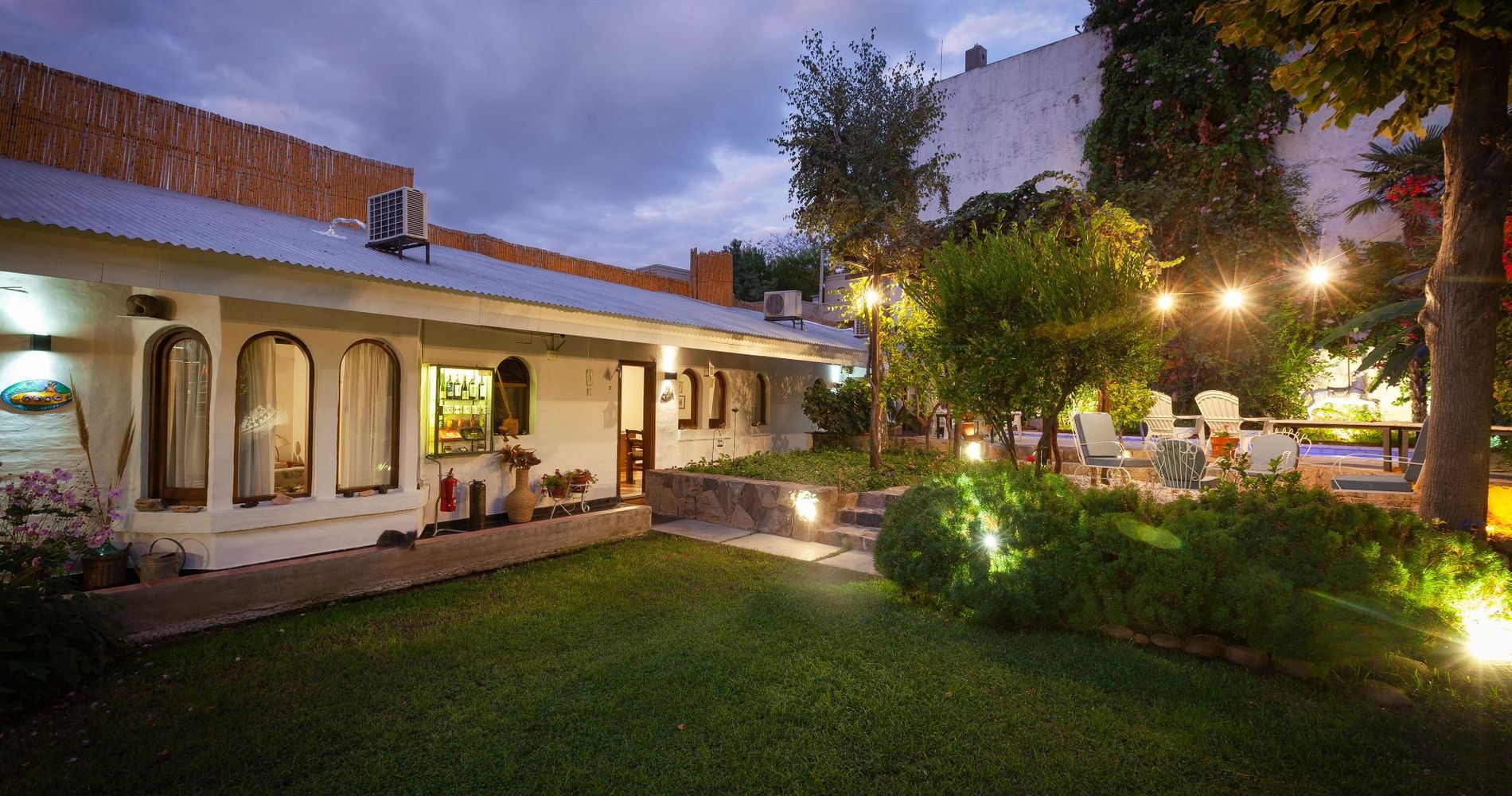
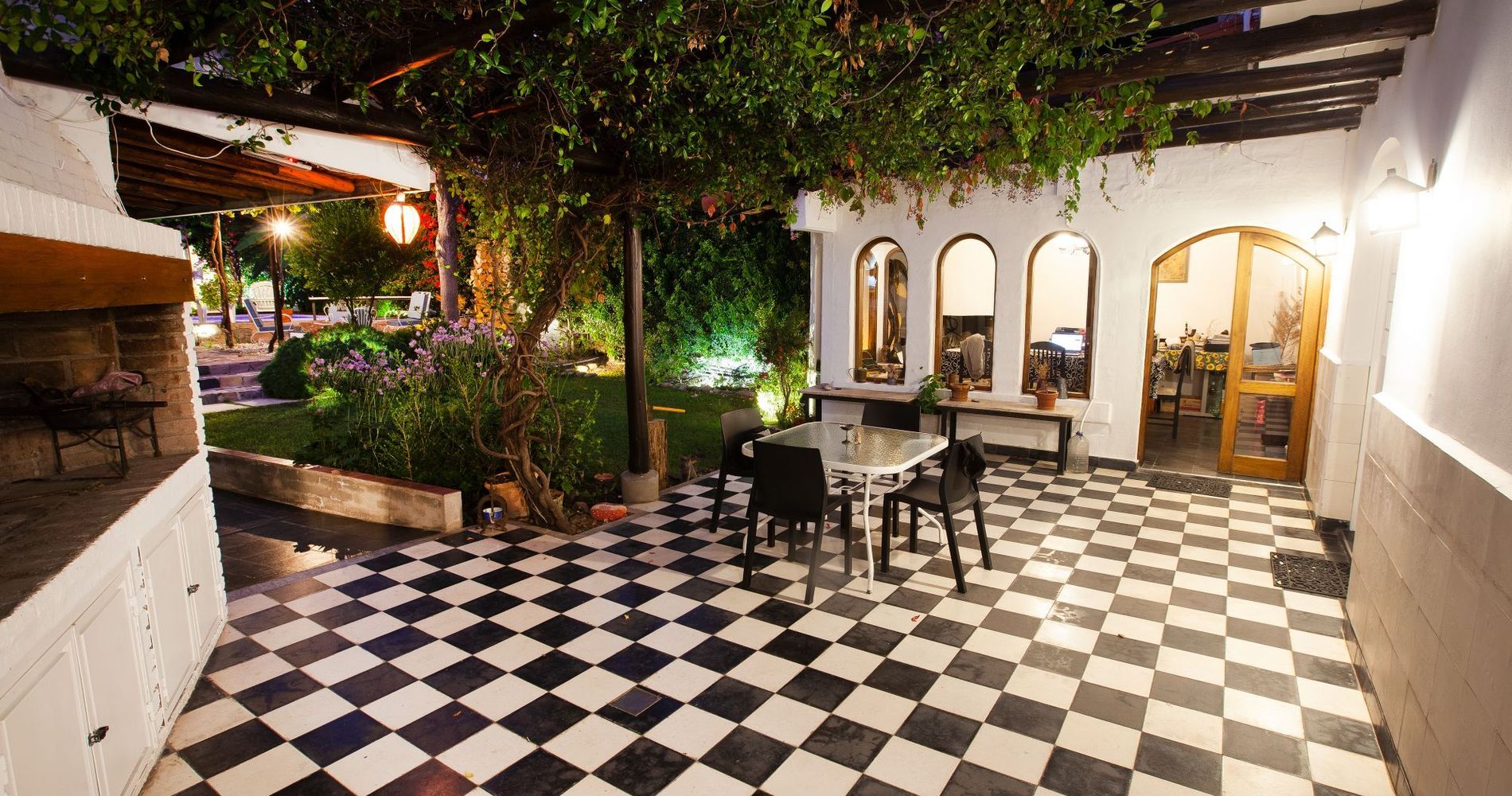
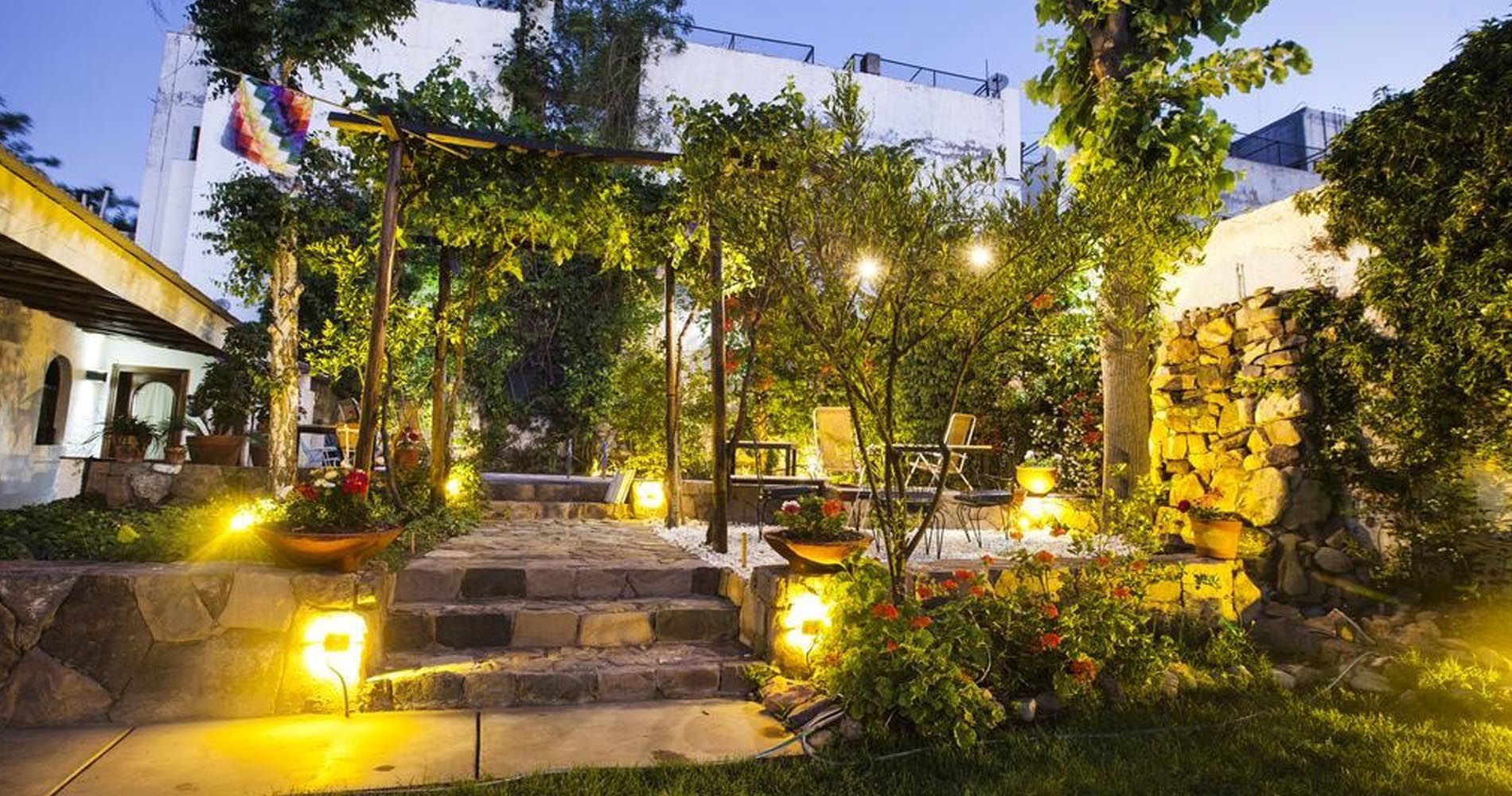
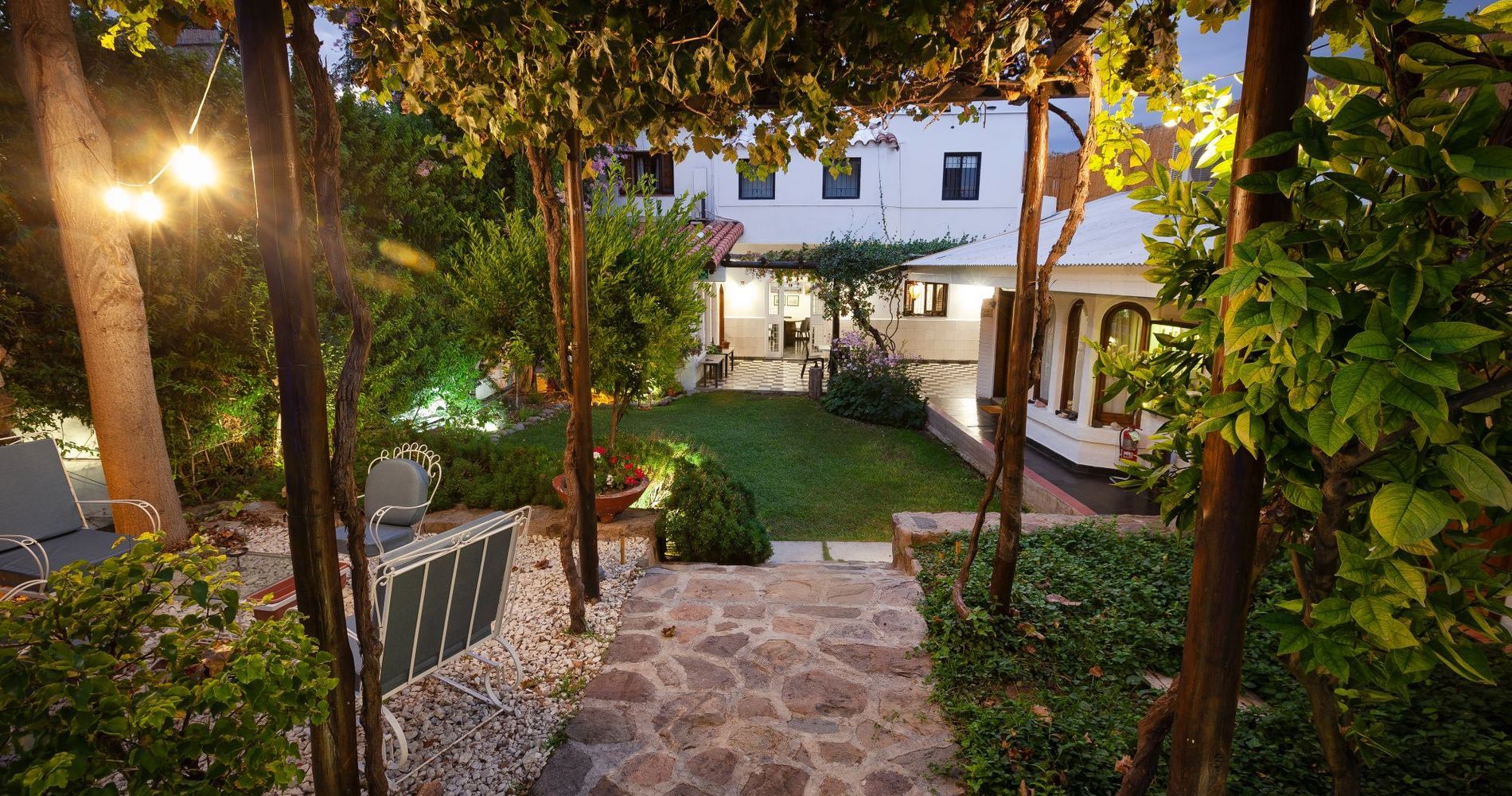
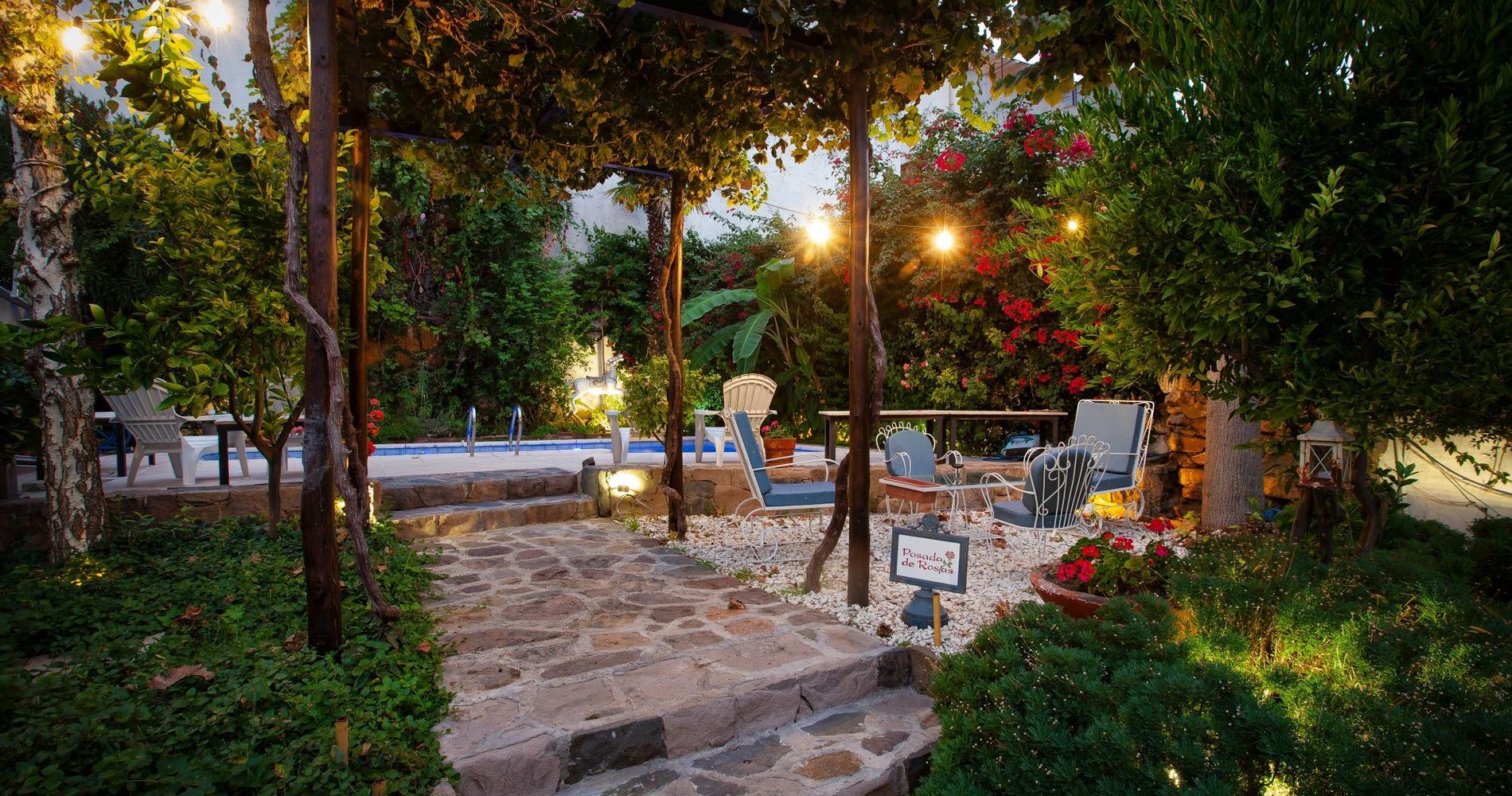
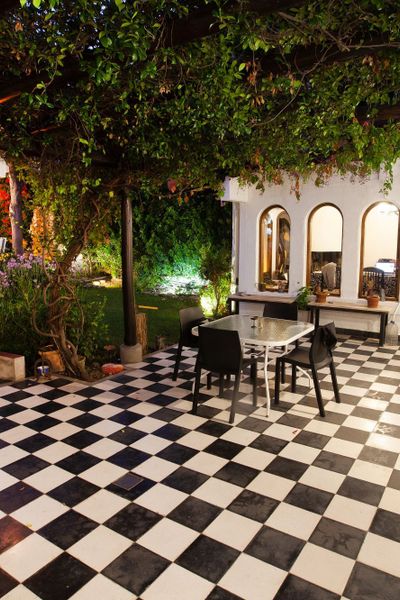
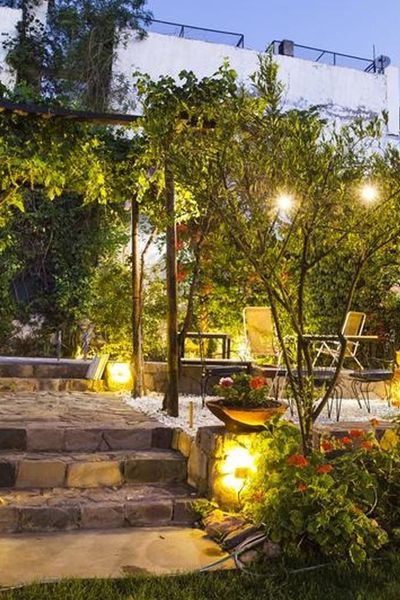
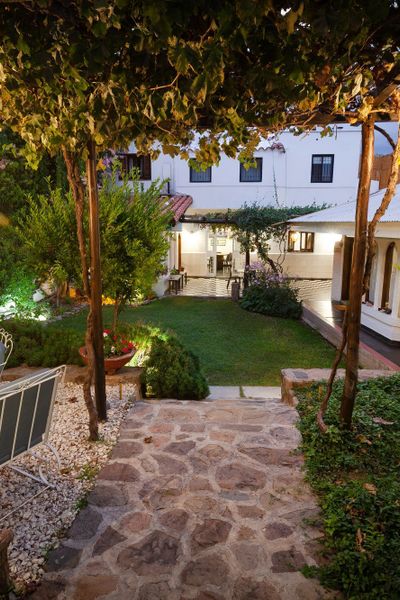
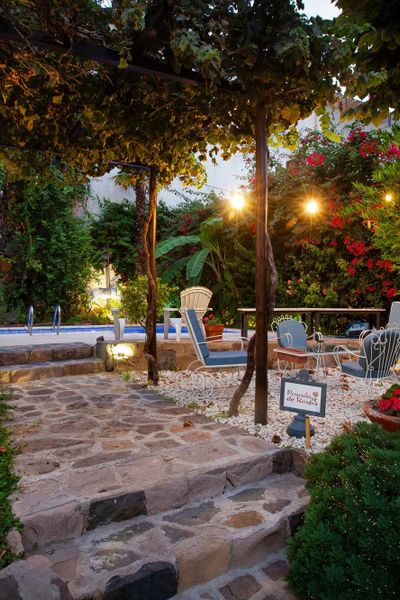
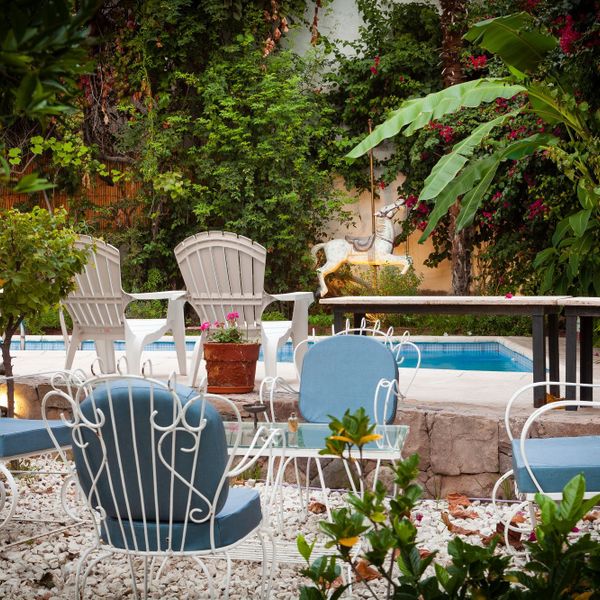
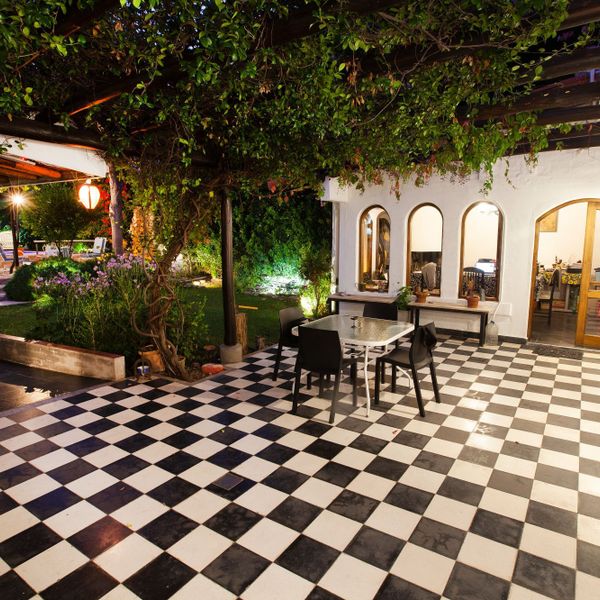
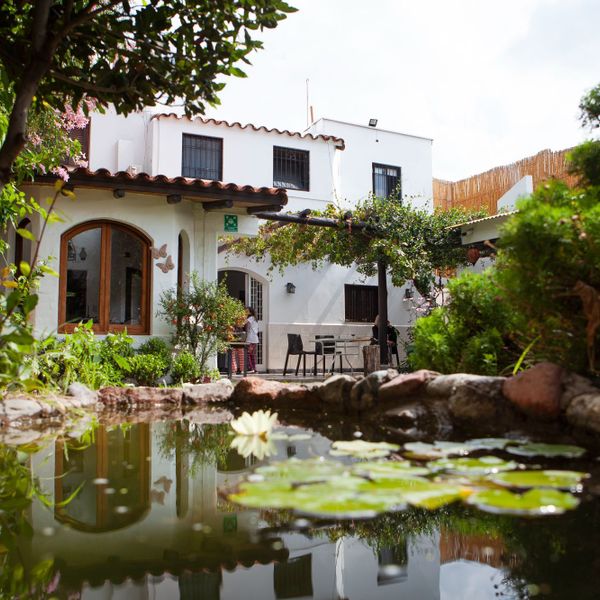
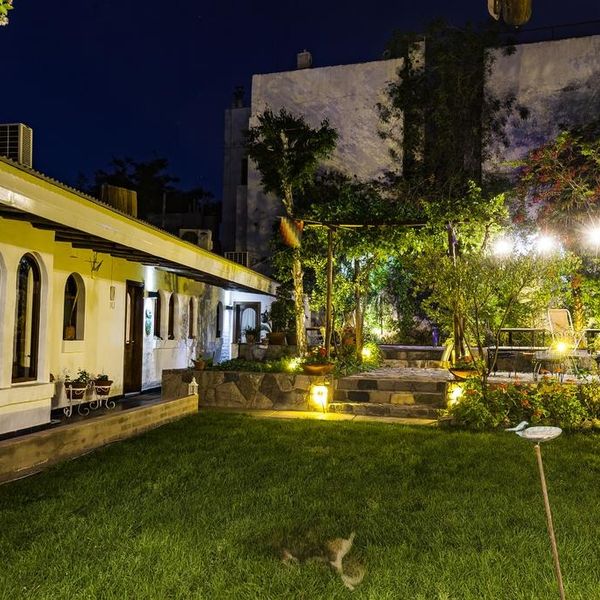
The restful garden extends the visit, an exceptional experience and gives a tranquil respite from your travels
Catherine
8.7
Lo mejor del hotel:
Desayunos externos (tercerizados por el hotel) permite rotar entre diferentes cafés, rotación que resulta muy novedosa y entretenida.
Todo el personal, desde el dueño, siempre muy pendiente de ayudar en todos los detalles, excelente disposición.
Francisco Javier, Cl
9.8
Lo mejor del hotel:
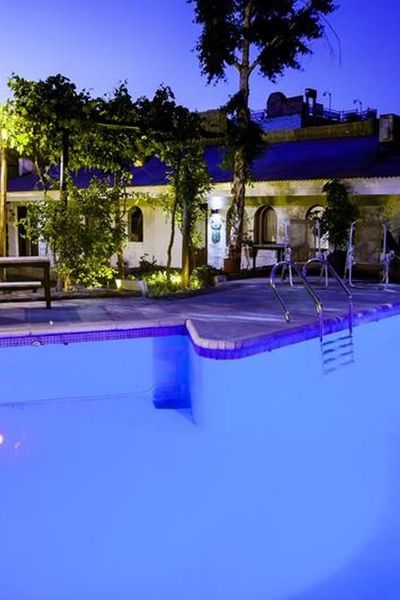
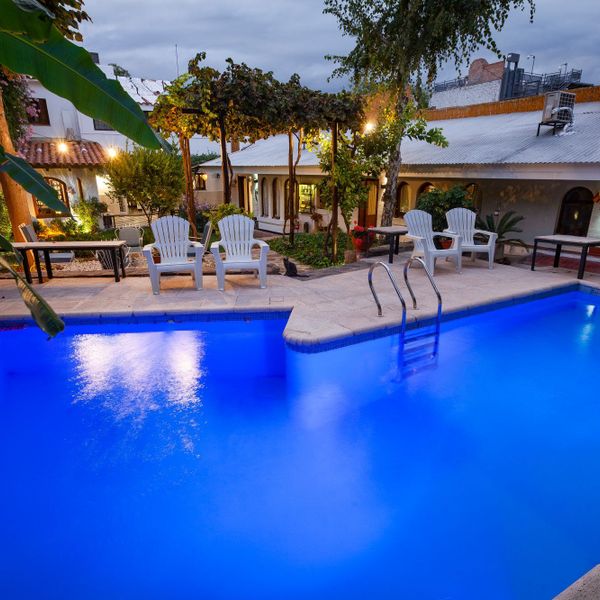
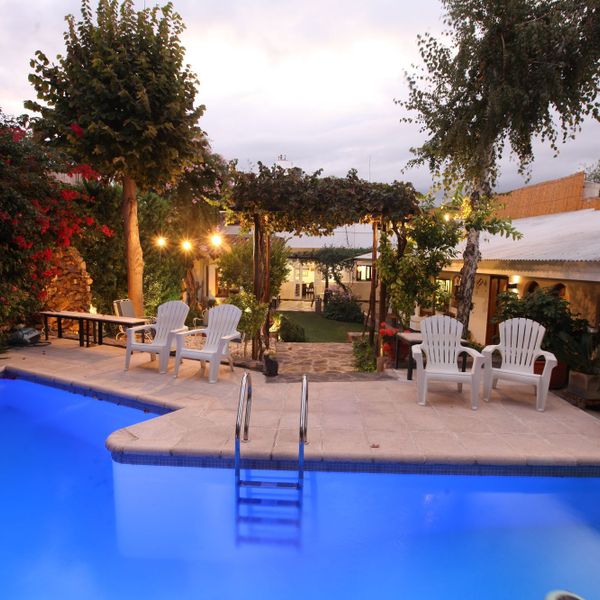
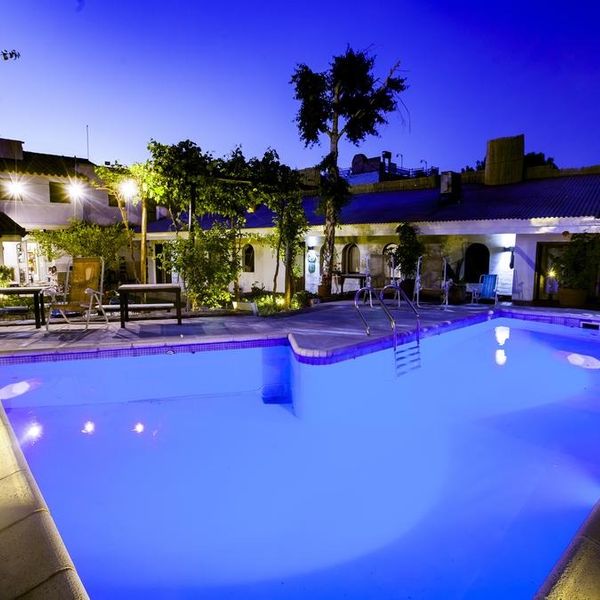
Nos gusta mucho la piscina
Christine, United States
10
Lo mejor del hotel:
La pasamos precioso, la atención impecable, sumamente amorosos y todo super comodo
Maria Del Rosario, Argentina
10
Lo mejor del hotel:
Everything was fantastic!!! Your staff are extremely friendly and easy going!!! Everybody went above and beyond. Thank you for an excellent stay.
Alex, Us
10
Lo mejor del hotel:
For breakfast they had vouchers for local places, and it was GREAT.
Francis Xavier
9.9
Lo mejor del hotel:
La ducha salía con la potencia necesaria para bañar un elefante. Muy bueno.
Adam, Ar
9
Lo mejor del hotel:
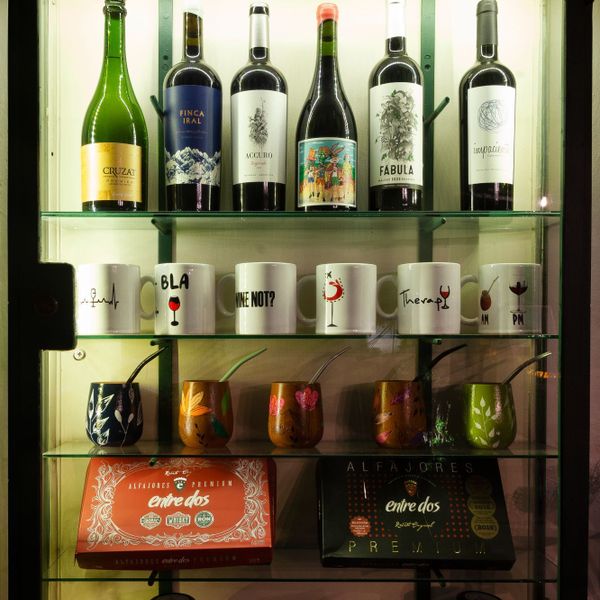
La atención excepcional por parte del dueño de la posada y los extras: tarjeta subte, acceso a gym, botella vino regalo, etc
Francisco Pérez
9.4
Lo mejor del hotel:
We liked the organization of Josefina, she is a swiss watch, the location, the tours, the friendly and informative company of Omar and Alejandrina, the driver with Ron, the garden and the cat. We appreciated that Paolo talked to us and wanted our feedback. Everyone was very sympathetic.
Antje-maren, Italy
8
Lo mejor del hotel:
My Buena la visita e Lo recomendaremos a amigos
Guy, Au
9.9
Lo mejor del hotel:
Nos hospedamos 4 noches, pasamos increíble. La posada es muy cómoda y limpia. Nos permitieron hacer el check in mas temprano, lo cual valoramos. Te hacen sentir como en casa, tienen detalles super lindos, todo fue perfecto! Para el desayuno te dan vouchers para poder usarlos en 8 diferentes cafeterias cercanas, lo cual nos pareció original y genial. Recomedamos sin dudarlo y agradecemos al staff por tanta amabilidad.
Maria, Uy
8.8
Lo mejor del hotel:
Muy contentos y agradecidos por el buen trato , muy atentos con sus huespedes.
Ampuero, Argentina
10
Lo mejor del hotel:
Everything was outstanding!
Fiona, Ca
10
Lo mejor del hotel:
An oasis of tranquility. Conveniently located. Staff couldn’t have been more helpful. Mountain tour with Ali and Omar recommended. Breakfast (and dinner) at local Modesto restaurant was superb.
John, United Kingdom
10
Lo mejor del hotel:
Todo el personal muy atento y cordial. Las instalaciones impecables, confort, comodidad y limpieza.
Elizabeth Adriana, Ar
9.8
Lo mejor del hotel:
El personal y el desayuno
Gabriel, Uruguay
10
Lo mejor del hotel:
Lo mejor el servicio completo y muy personalizado
Felipe, Cl
10
Lo mejor del hotel:
El staff es de primer nivel! Siempre disponibles a dar la mano y hacen sentir la estadía como en casa.
Rafael, United States
10
Lo mejor del hotel:
This hotel is close to everything but is also in a quiet and calm neighborhood. The hosts were so kind and accommodating with everything- our stay was wonderful, relaxing and so fun. It was clean, comfortable and the hotel was full of beautiful details that made our stay lovely. We loved the pool! Pablo set yo a great excursion for us.
Rachel, Us
9.8
Lo mejor del hotel:
El lugar muy lindo! Los chicos que nos atendieron muy solícitos! Siempre dispuestos a colaborar! Los desayunos excepcionales! Tienen varias opciones y tuvimos la dicha de escoger lugares lindos y menús muy buenos! Les agradecemos su acompañamiento en especial el último día que debimos correr al aeropuerto!
Lilliana, Cr
10
Lo mejor del hotel:
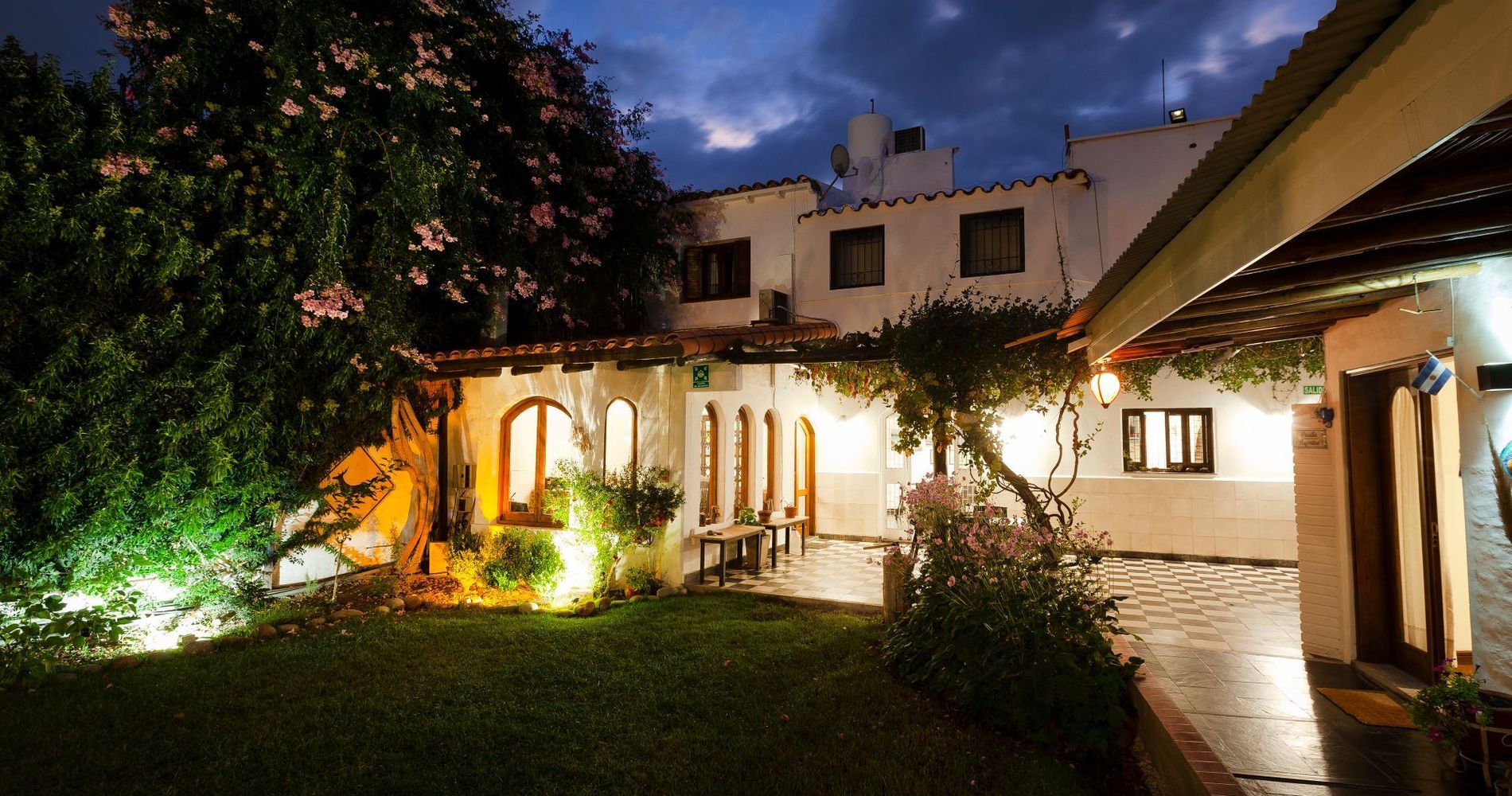
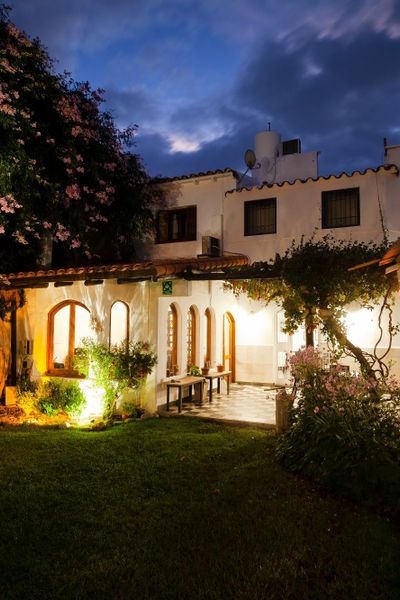
Llegar a sus dependencias fue muy grato, nos sentimos muy a gusto en todo sentido, tienen una posada de una categoría excepcional.
Ricardo Mauricio, Chile
9.3
Lo mejor del hotel:
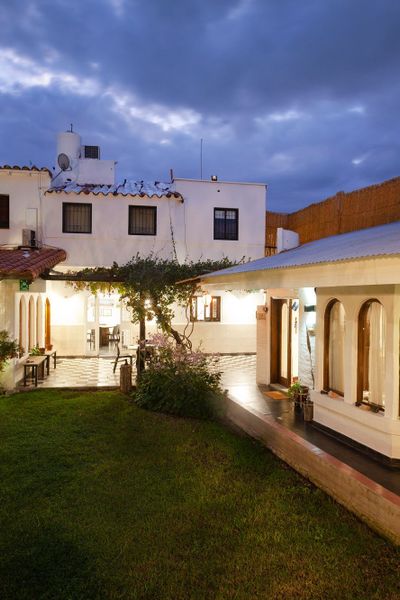
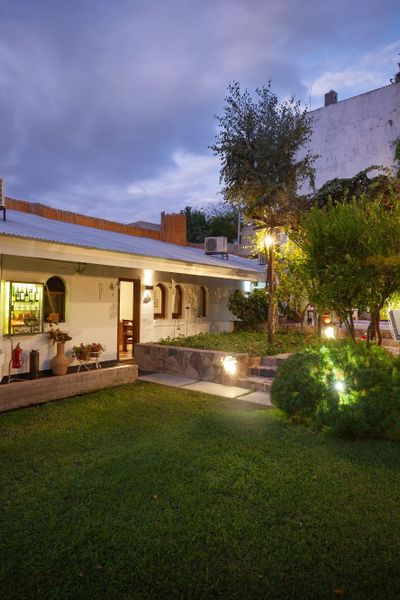
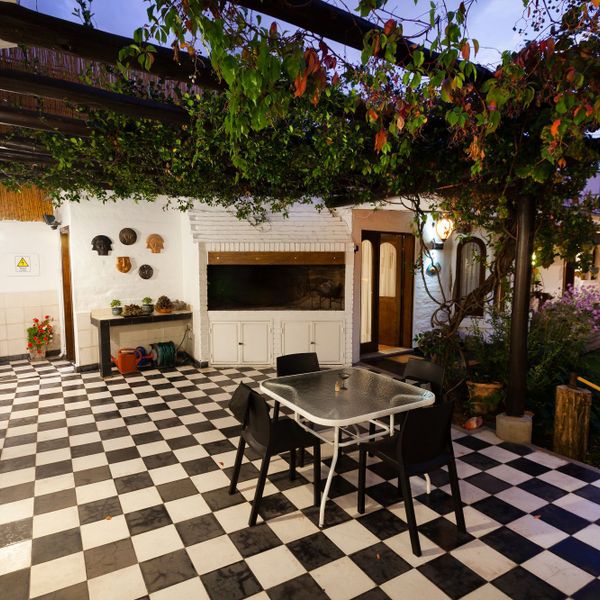
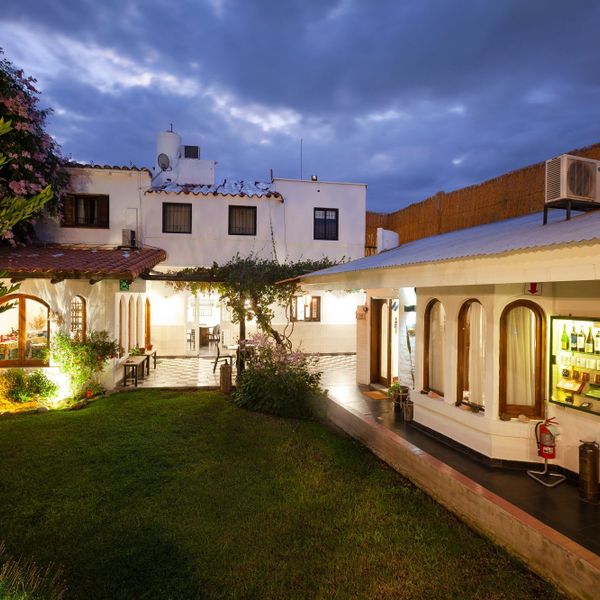
Los ambientes son muy cálidos. El jardín es hermoso.
Natalia, Ar
9
Lo mejor del hotel:
La atención es formidable, muy preocupados en que te sientas bien. Los desayunos los puedes elegir en los restaurantes que desees, lo cual nos encantó. Nos entregaron estacionamiento a una cuadra, muy seguro para el auto. Todo bien.
Mauricio, Chile
8.5
Lo mejor del hotel:
La atencion de Iñaqui y Emiliano muy atents y siempre dispuesto a cualquier solicitud. Es un muy buen lugar para descanzar y estar tranquilo. Muchos espacios comunes comodos y adecuados para estar todo bien
Jose Manuel, Cl
9
Lo mejor del hotel:
Todos muito atenciosos.
Fernando Augusto, Brazil
8.6
Lo mejor del hotel:
La atención de Emiliano a nuestra llegada fue genial. Nos explicó todo, nos dio un mapa y nos dio consejos sobre dónde ir para comer y hacer turismo.
Muy buena idea de vouchers para desayunar en diferentes lugares.
Bruna, Brazil
10
Lo mejor del hotel:
Excellent stay at posadaderosas! Beautiful property! Pablo was an excellent host providing conveniences like breakfast coupons and bottle of wine! He takes pride in his accommodation and checks to make sure all is perfect for our stay!
Sheri, Us